Restricted functionality
- OWNER
- CLUSTER_ADMIN
- ALLOCATION_BOARD_CHAIR
- ALLOCATION_BOARD_DELEGATE
Restricted functionality
To create a new compute project, go to the project’s detail view and click on add new compute project:
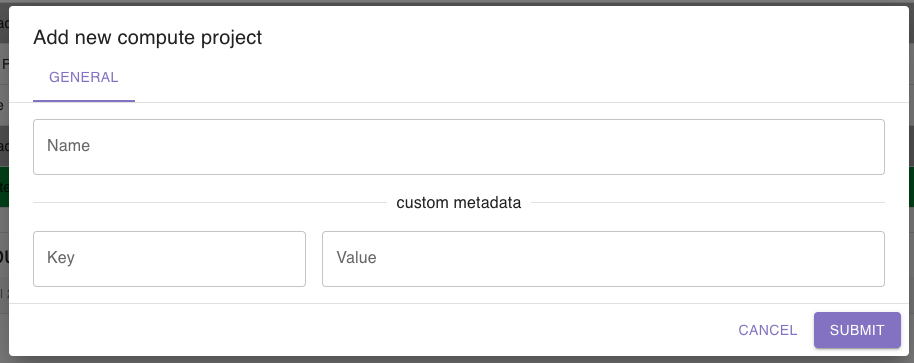
A dialog will open where you can set a name for the compute project.
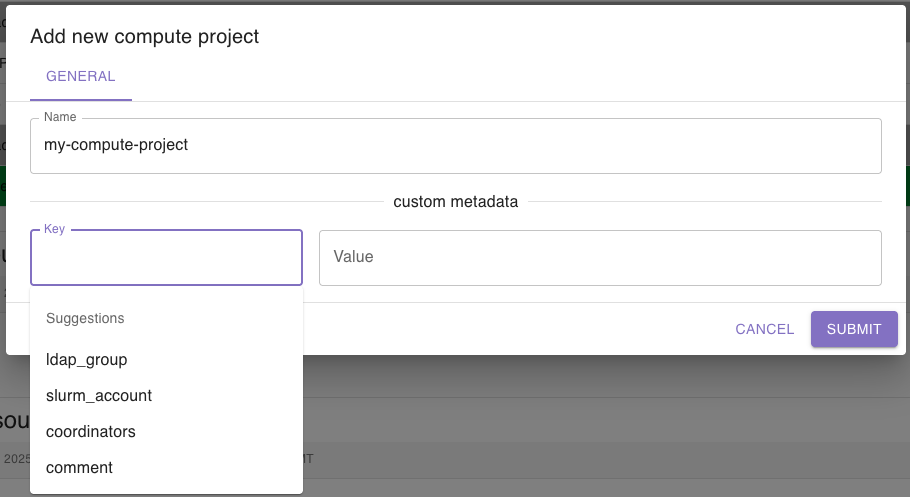
Additionally, you can add custom metadata as key value pairs which will be saved to the compute project. You will receive suggestions for the keys based on other compute projects’ keys:
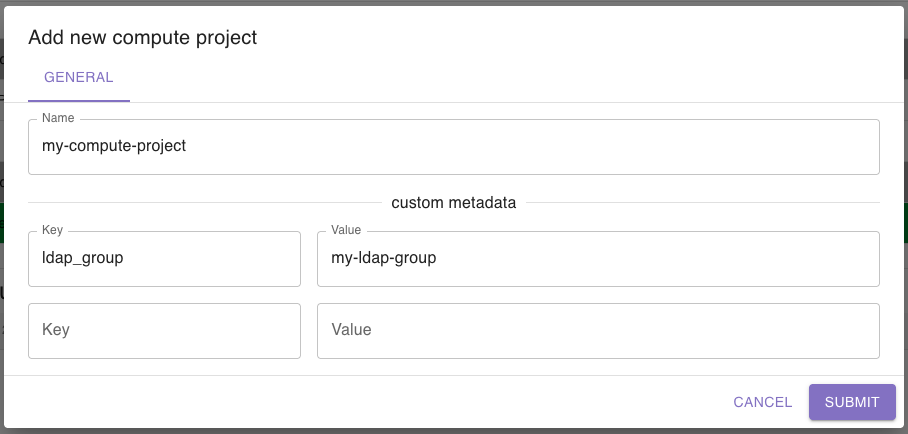
When you add a key, another row for a new key value pair will appear so that you can enter as many as you want:
Save the compute project by clicking the submit button. After that, you can edit the compute project to add resources.
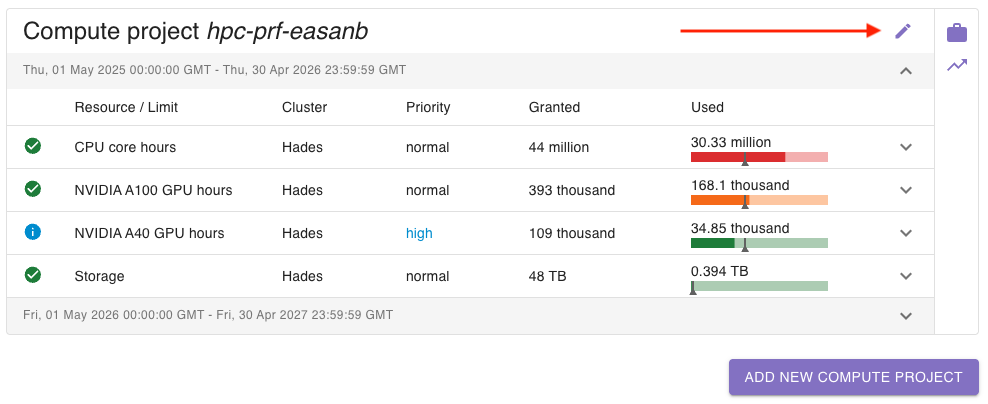
To edit a compute project, click on the edit button in the top right corner of the compute project:
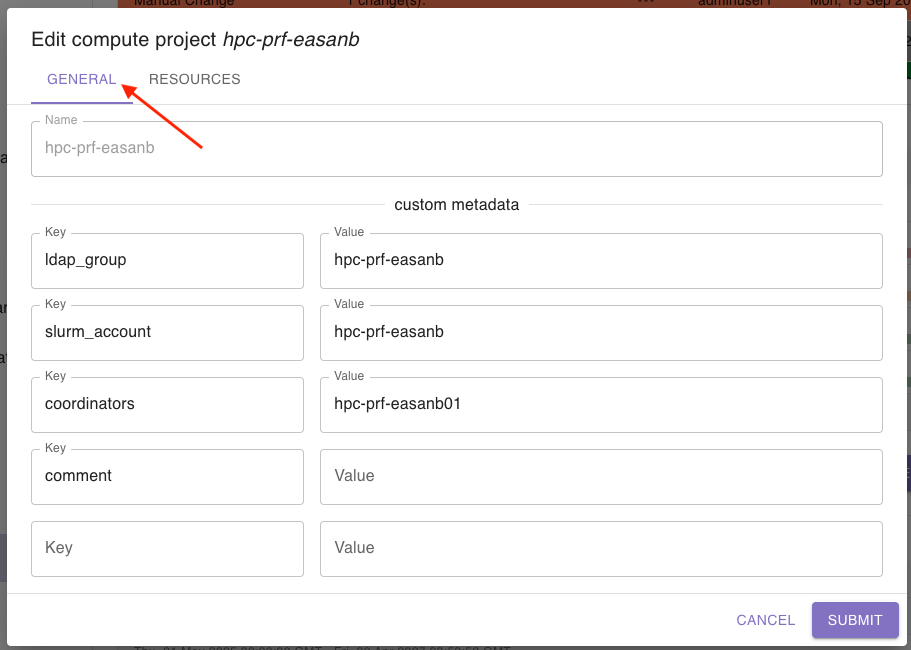
A dialog will open where you can edit the compute project. To edit general information, go to the tab general:
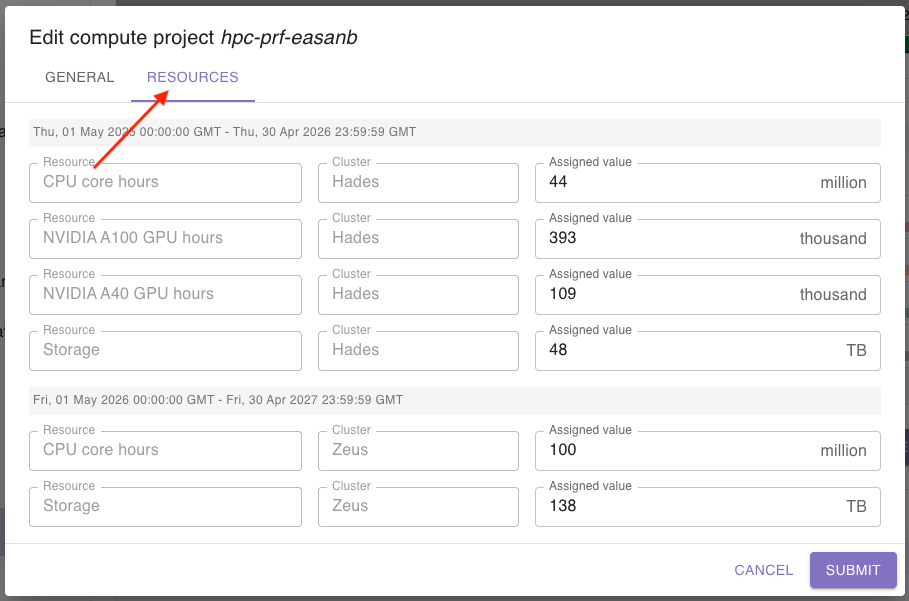
To edit the related resources, go to the tab resources:
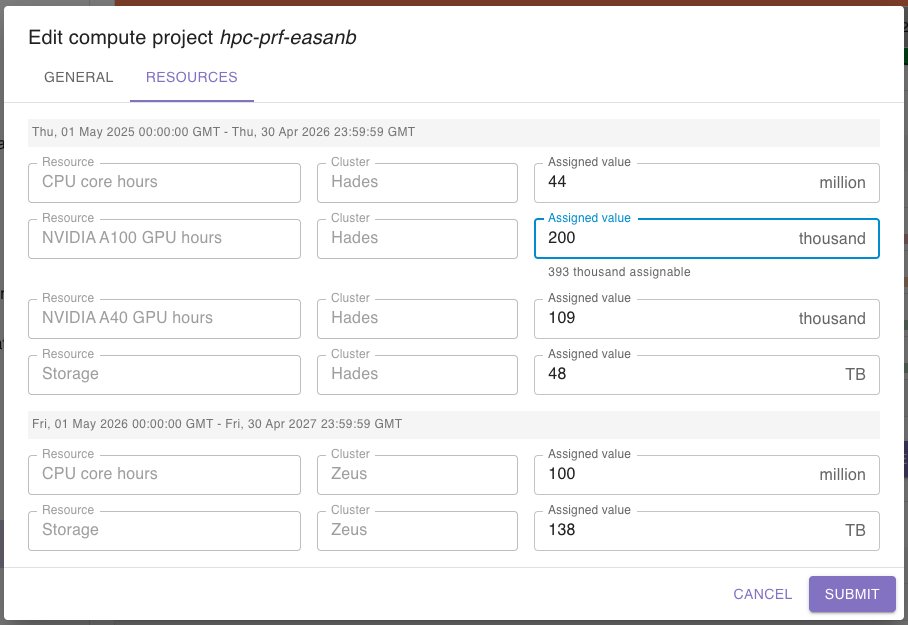
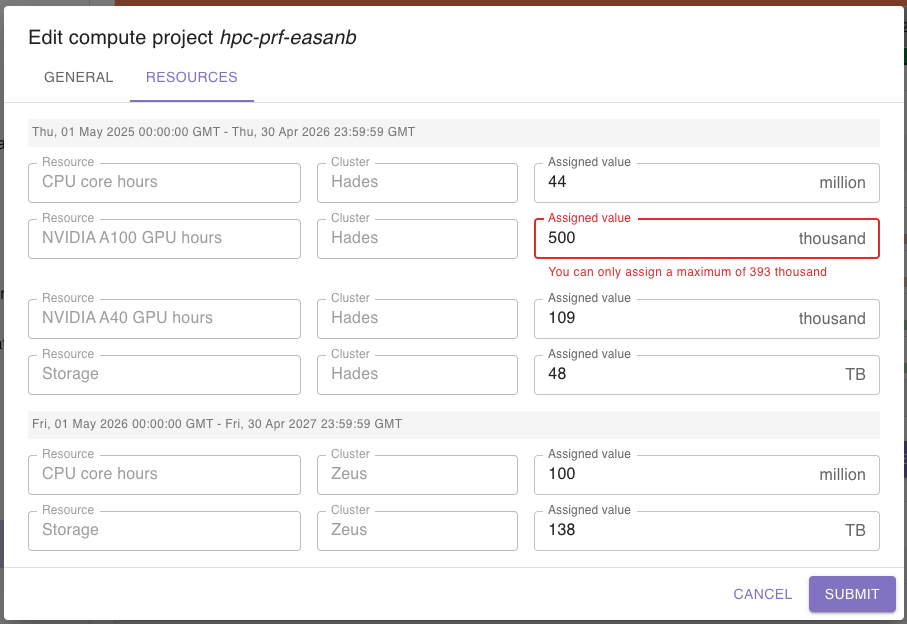
Here you can edit the amount of granted resources which will be linked to the compute project:
Save your changes by clicking the submit button.
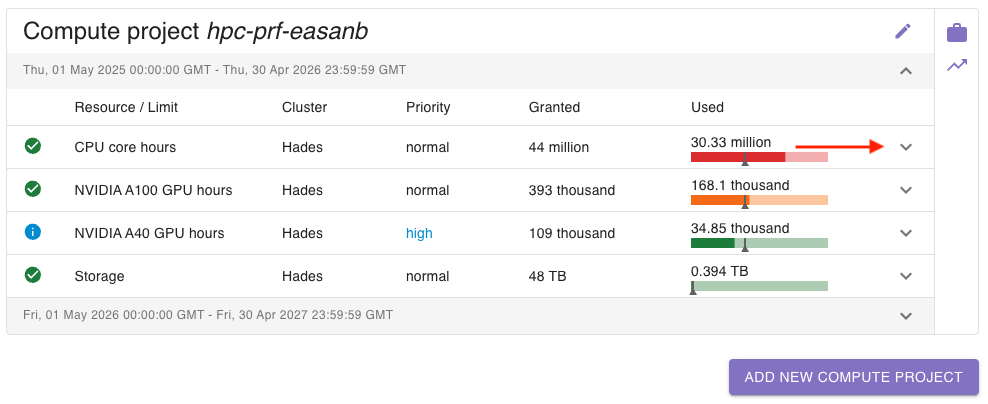
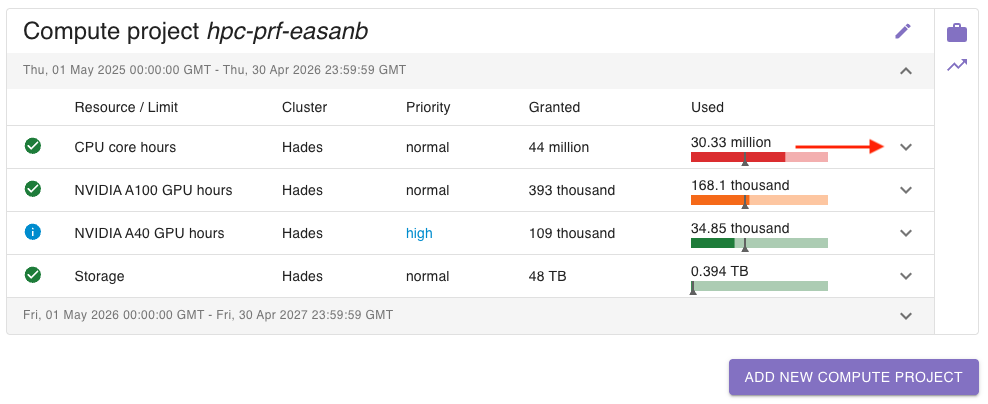
To block a resource (e.g. to stop a compute project to be able to access this resource), click on the arrow on the right side:
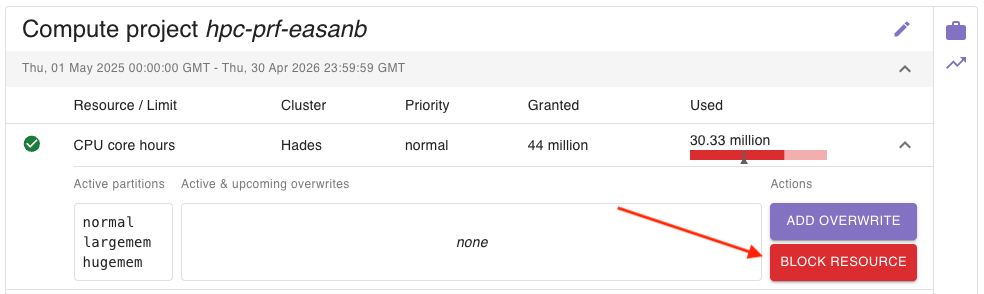
Here you can click on block resource to block it:
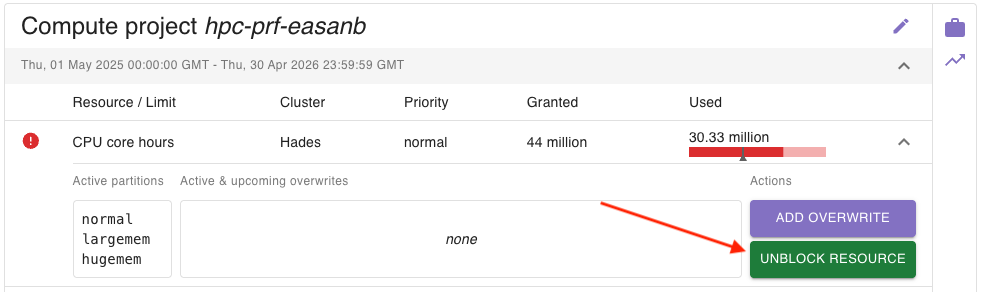
You will see that the icon on the left side will change, indicating that the resource has been blocked.
To unblock it, simply click on unblock resource:
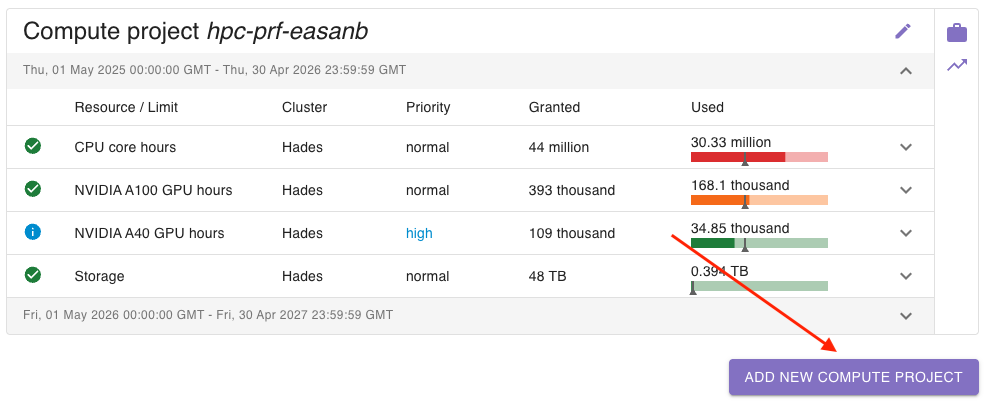
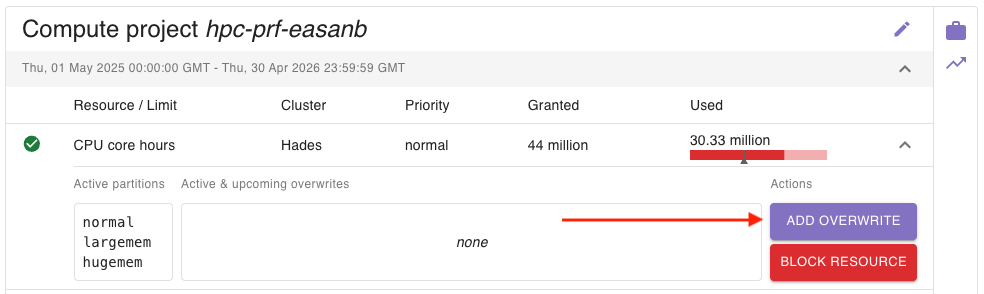
To add a new resource overwrite, click on the arrow on the right side:
Then, click on the add overwrite button on the right side:
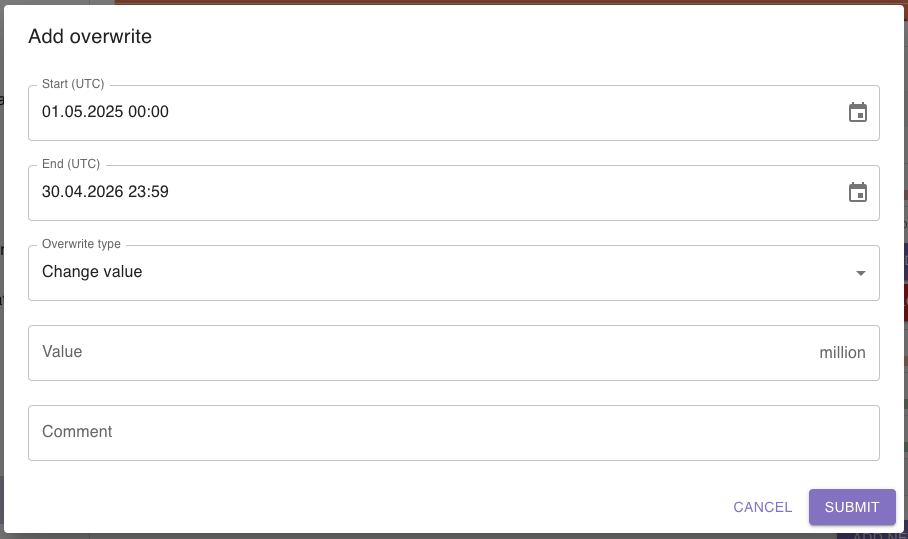
A dialog will open, where you can add the time period, the overwrite type, the corresponding value and a comment to the new resource overwrite:
Learn more about the available overwrite types and their effects here.
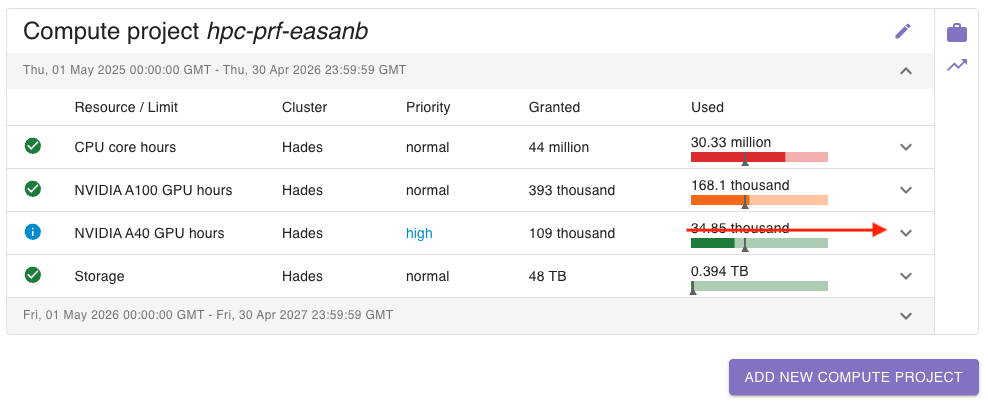
To edit a resource overwrite, click on the arrow on the right side:
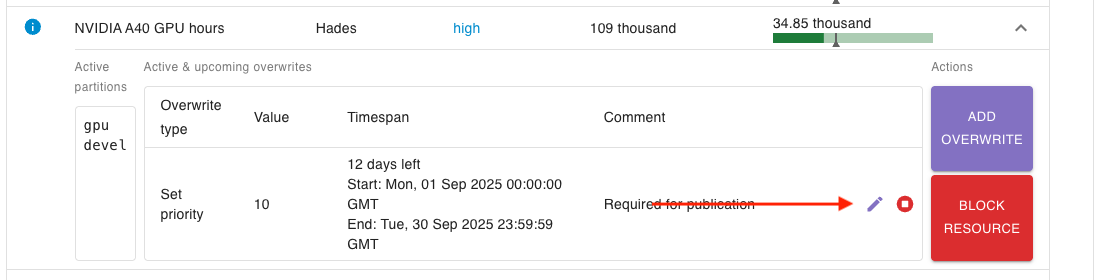
Then, find the resource overwrite you want to edit and click on the edit button on the right side:
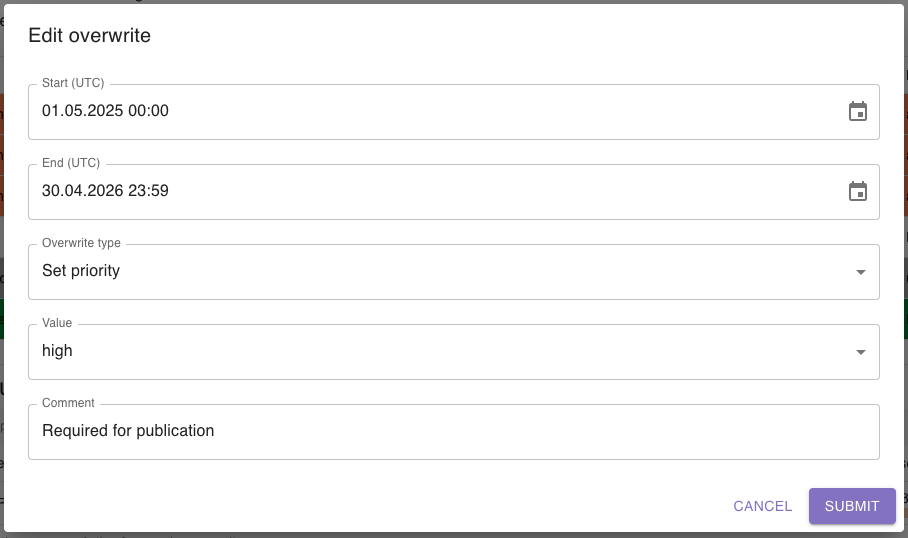
A dialog will open where you can edit all the relevant information:
Save your changes by clicking the submit button.