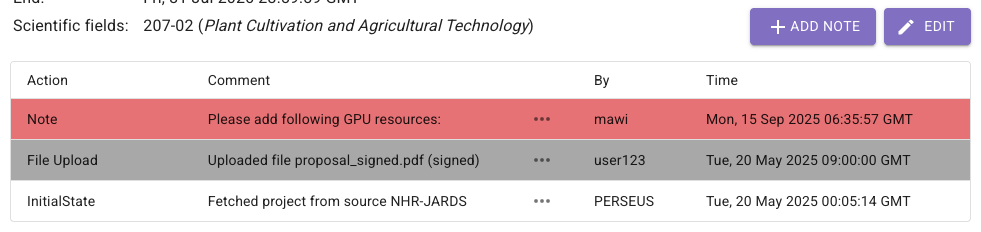
Add notes to projects
During the runtime of a project in PERSEUS, it may be useful to leave notes for yourself or your team members.
All notes will be retained until the project is permanently deleted.
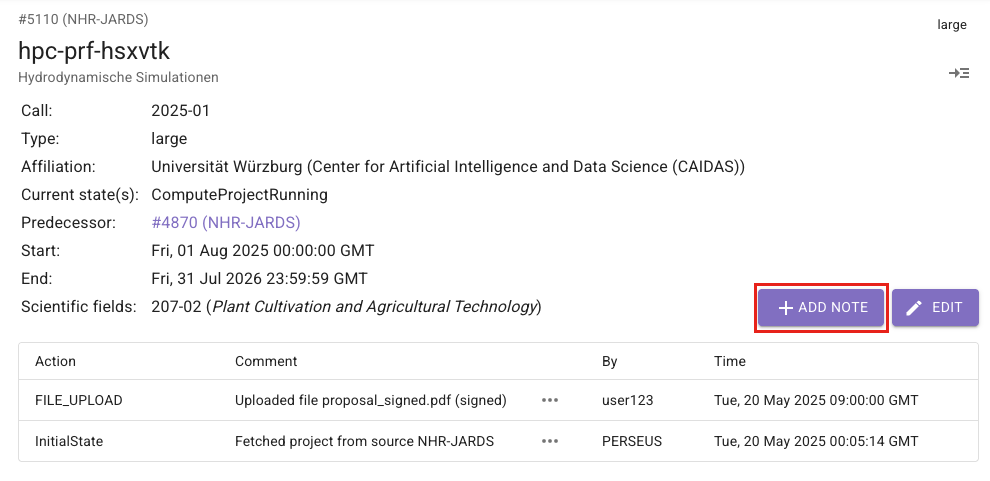
To add a note, click on add note:
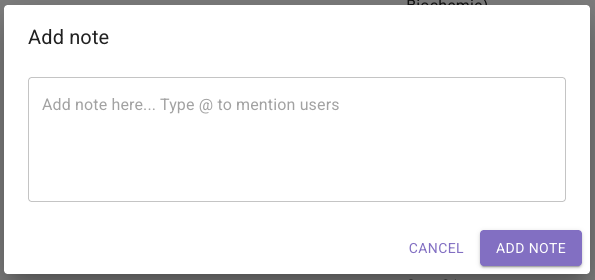
The following window will then open:
Mention users v0.10.0
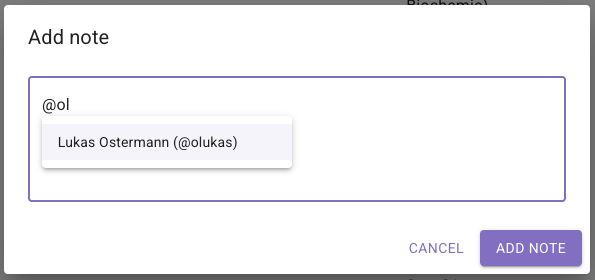
Section titled “Mention users ”Users can be notified in project notes by using an @ and searching for their username.
This requires that users are authorized to log in to PERSEUS, have notifications enabled, and have provided an email address.
The email will be sent immediately after the note has been created.
A project note could then look like this: