Restricted functionality
This functionality can only be accessed when having one of the following
roles:
To create a new person, go to “Create Person”. You will see a form with the information needed to create a new person.
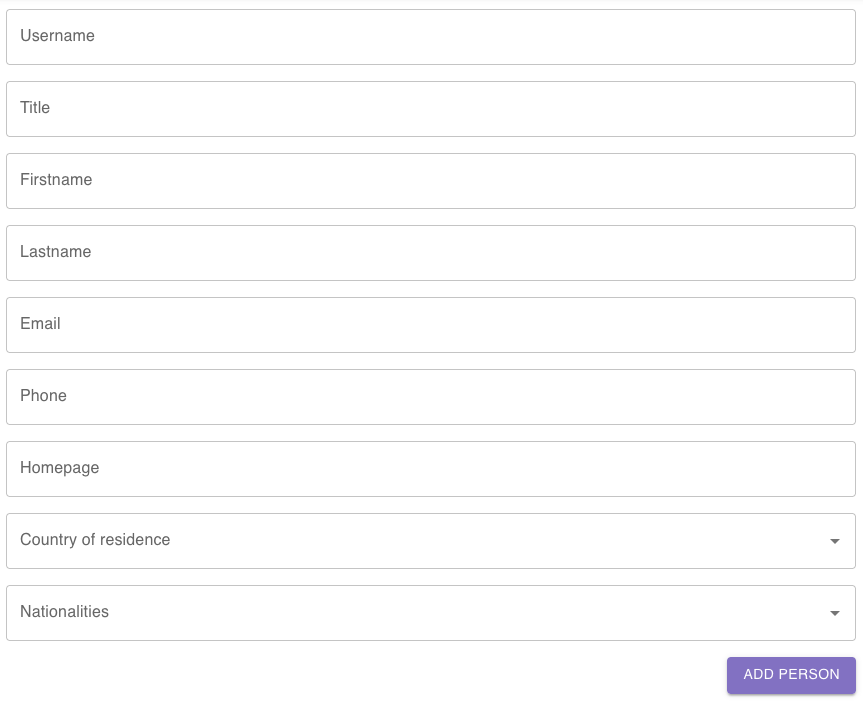
After clicking on add person to submit the form, you will be redirected to the detail view of the newly created person.
The following fields can be set for a person:
- Username: The username must be unique in the system.
- Title: The title of the person, such as “Dr.” or “Prof. Dr. hc.”
- Firstname: First name of the person.
- Lastname: Last name of the person.
- Email: The email address of the person. The format of the provided address is checked before the person is created.
- Phone: The phone number of the person.
- Homepage: The person’s homepage. The format of the provided URL is checked before the person is created.
- Country of residence: The country where the person currently lives. Can be necessary for topics like export control.
- Nationalities: One or more countries whose nationality the person holds. Can be necessary for topics like export control.
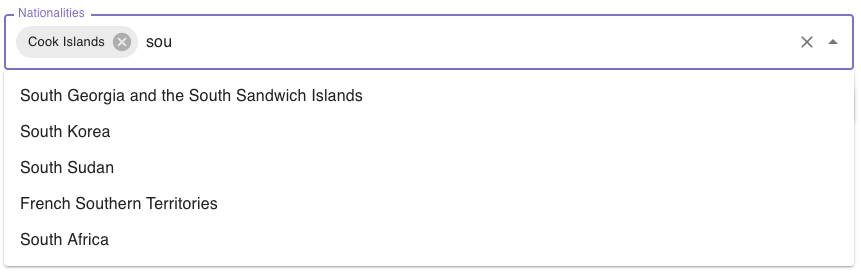
The fields Country of residence and Nationalities are dropdowns where you can choose from a list of countries. You can filter the list by typing: