Skip to content

Edit a project

Restricted functionality

This functionality can only be accessed when having one of the following roles:
  • OWNER

To enter the edit mode of a project, go to its detail view and click on the edit button on top of the event queue:
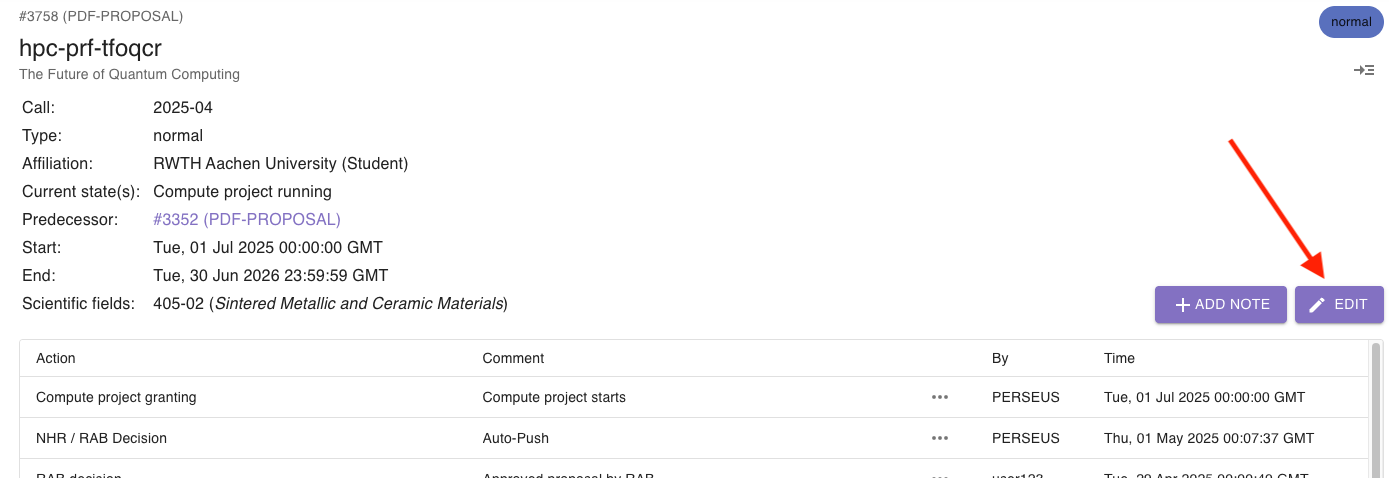
Screenshot of edit button

You can change the following information:

  • Source
  • Source ID
  • Abbreviation
  • Type
  • Title
  • Description
  • Scientific fields
  • Start
  • End
  • Call
  • Active
  • Principal investigator
  • Person of contact
  • Affiliation
  • Predecessor
  • Requested resources
  • Granted resources
  • Requested limits
  • Granted limits
  • Current states