Person details
To view the details of a person, go to “Person Search”. You will see a search form where you can search for the name of a person. The list of all available persons will be filtered while you are typing.
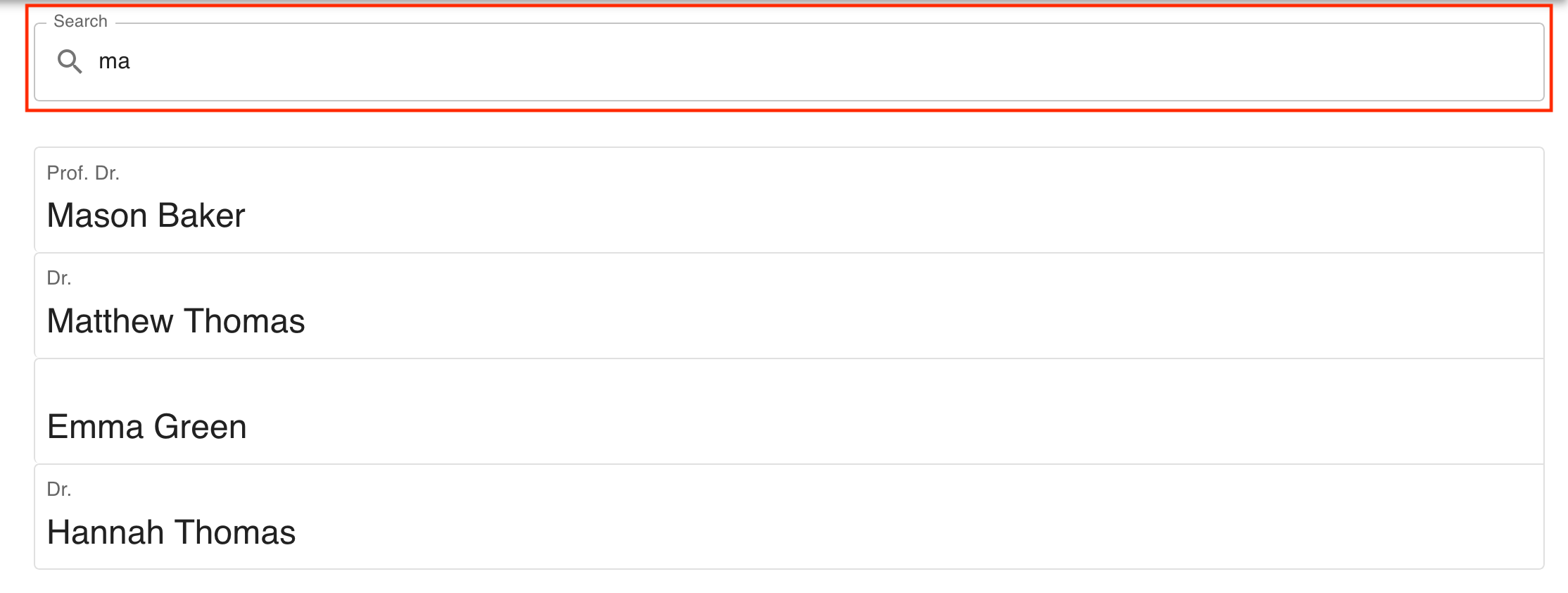
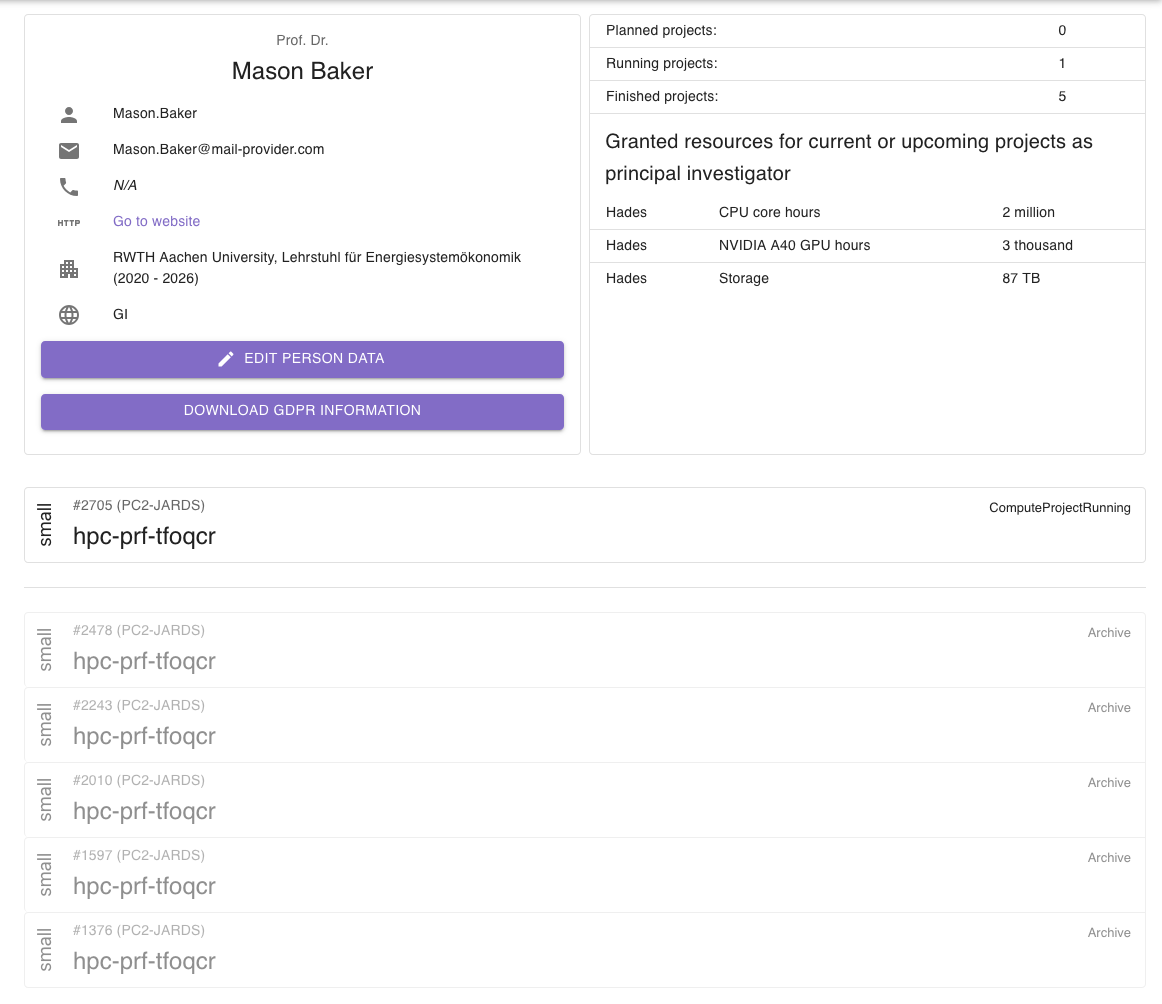
You can then click one of the search results, which will open the detail page of a person.
General information
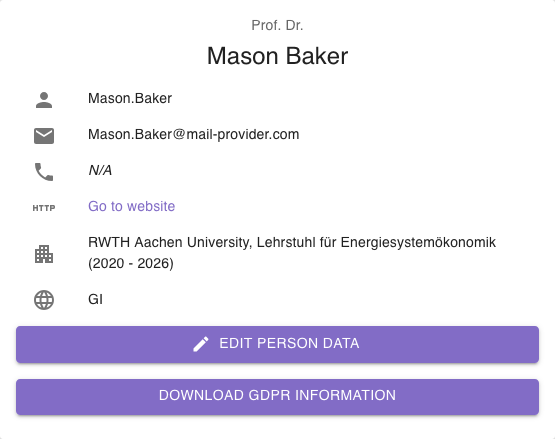
Section titled “General information”On the left side of the first part of the person detail page is a general view of the person’s information. You can see the name, the email address, and more contact information for the person. You can also see the person’s nationalities as ISO codes.
Additionally, you have a button to edit the person and download the GDPR information related to the person.
Project information
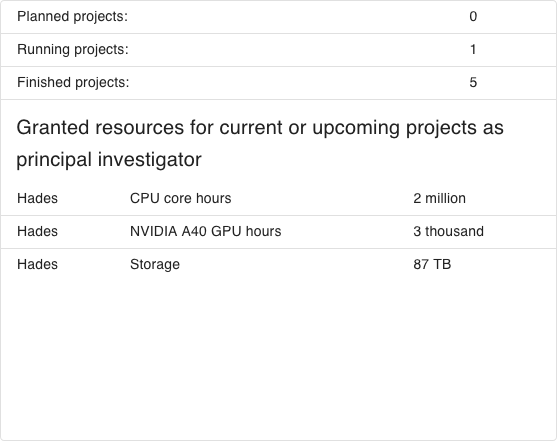
Section titled “Project information”Next to the general information, you find an overview of all projects related to the person. Related projects are projects where the person is the principal investigator or the person of contact.
You also see an overview of the sum of all resources granted to projects where the person is a principal investigator.
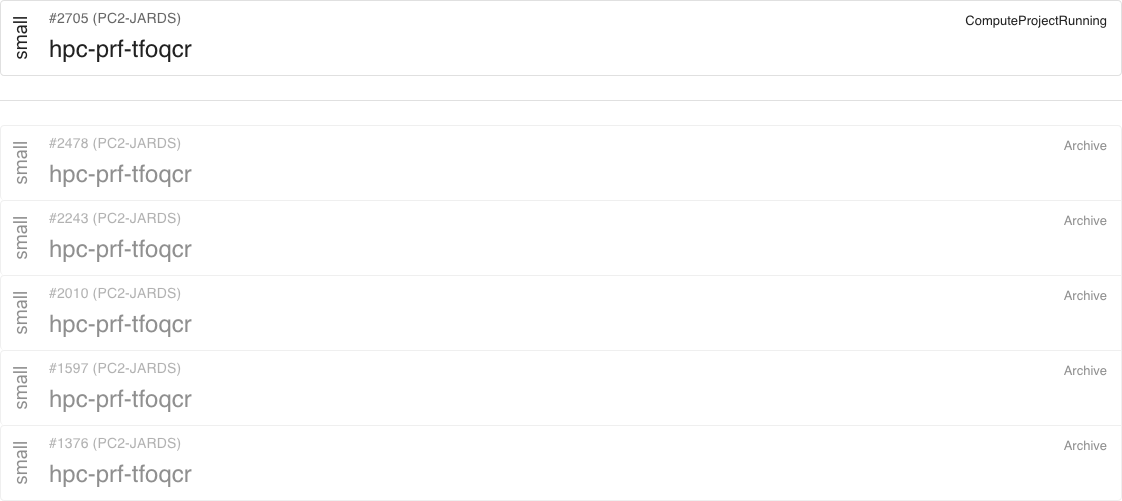
Below the general information and project overview is a list of the person’s related projects. The list is separated into active projects and archived projects, which are greyed out. You can click each project to jump directly to the detail page of the project.