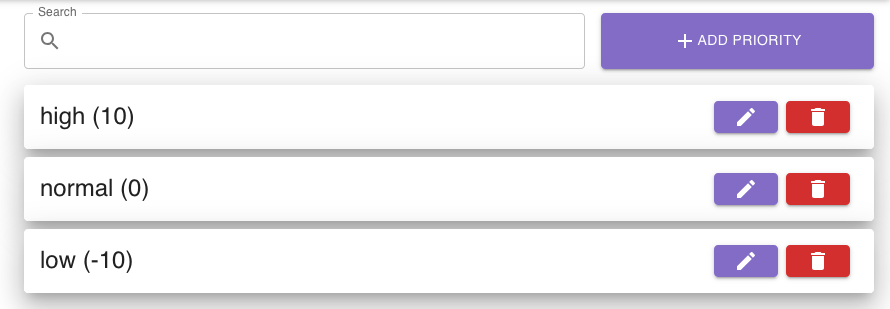
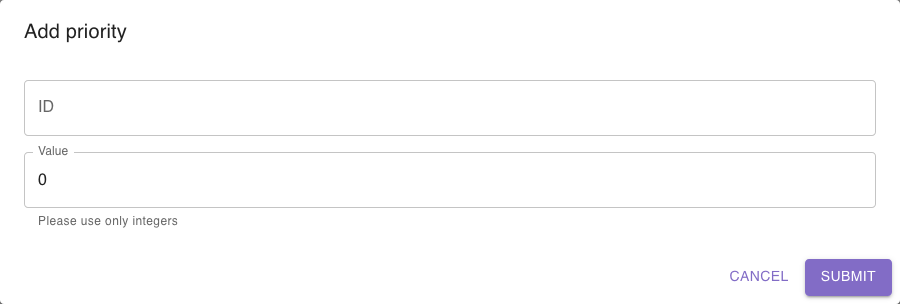
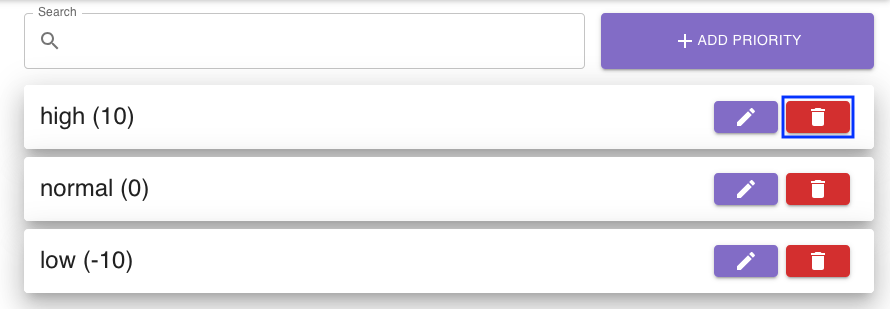
To add a new priority, simply click the add priority button.
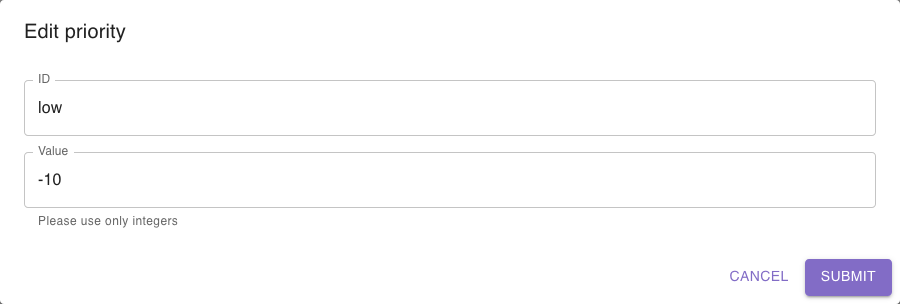
In the dialog, enter the required information:
The ID is the human-readable name of the priority (i.e. low, normal, high, …)
The value is the integer value of the priority. The value can be positive or negative. A higher number often means a higher priority. Keep in mind that each value should be unique.
When you click the submit button, the new priority is created.
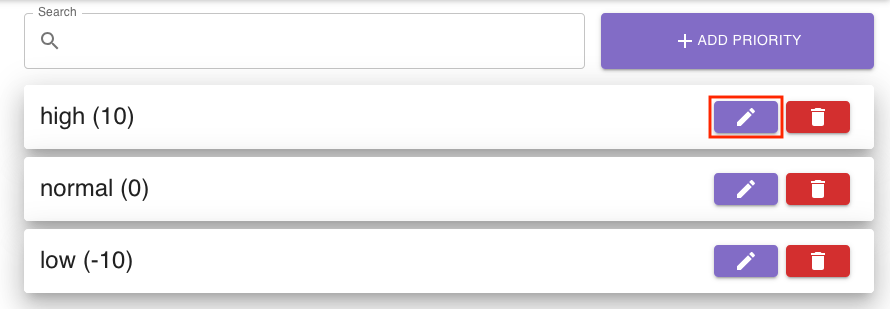
You can delete a priority by clicking the bin icon to the right of the priority list entry:
When you click the bin icon for a priority list entry, you will be asked if you really want to delete it.
You can cancel the deletion process or confirm it.