Project search
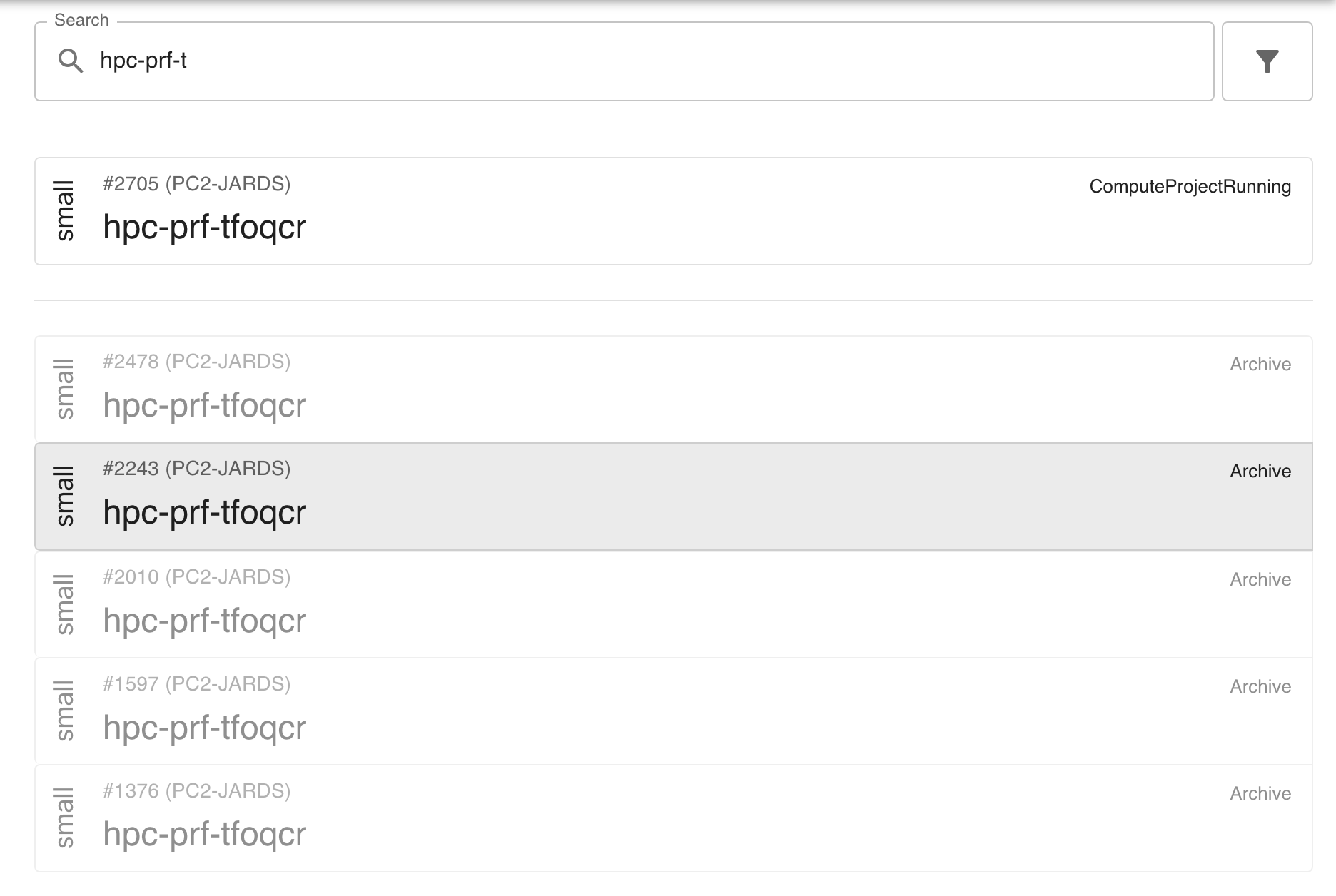
PERSEUS offers a “Project Search” service that searches for projects in the database.
By default, the search looks for name, description, and project abbreviation.
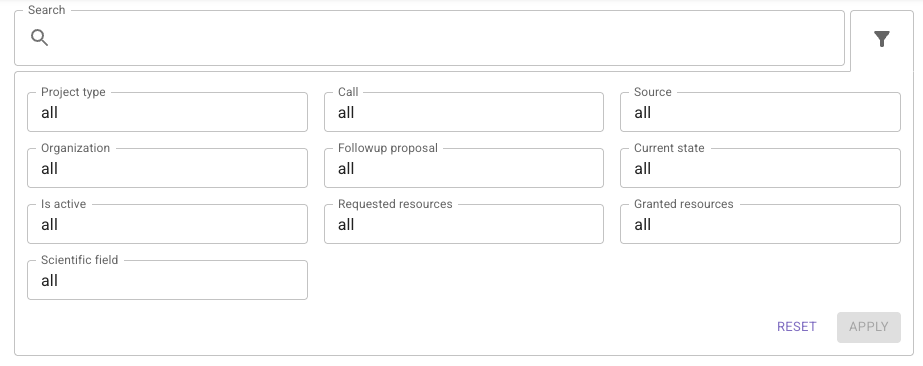
Use filters to customize your search.
Search results
Section titled “Search results”When you start typing your search query, results will appear below the search form. You can click one of the search results to get the details of the project. Another way to access the project’s detail page is to use the arrow keys to navigate the search results and hit Enter to jump to the project.