Some users are able to use a quick-edit mechanism to update the amount or periods of granted resources.
This can especially be useful when users are allowed to request a (one time) raise in granted resources of e.g. 25% or
an extension of e.g. 3 months.
To achieve these changes quickly, go to the details view of the project, scroll to “All resources & limits” and click on
the edit button on the right side:
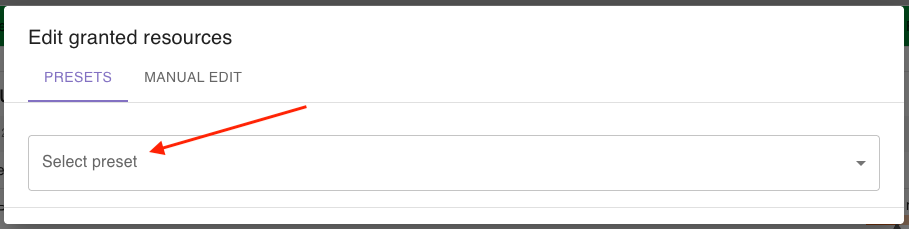
A dialog will open, where you can choose if you want to use a preset to update the granted resources or manually edit
them (currently not available).
To select a preset, select the tab Presets and choose between the available presets:
The following presets are available:
Increase all resources by a percentage
Increase all cumulative resources by a percentage
Increase all snapshot resources by a percentage
Extend last phase
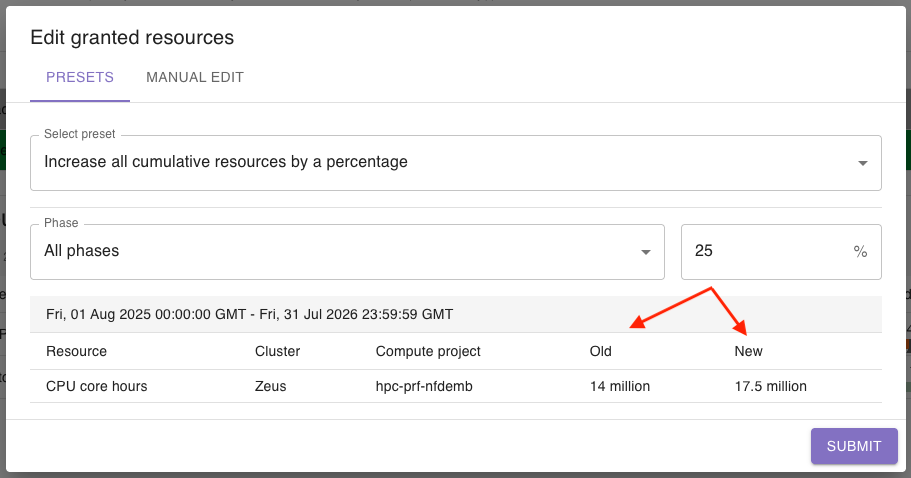
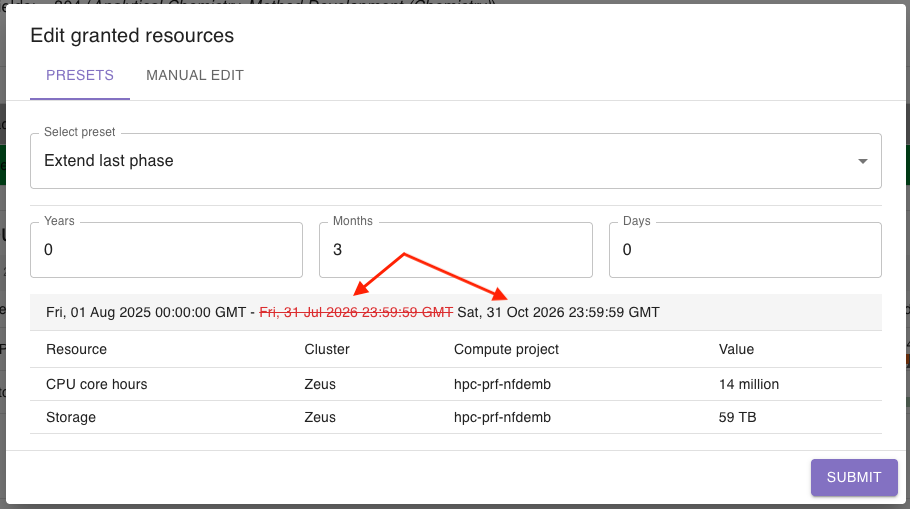
After choosing a preset, you will be able to enter the relevant data, e.g. a percentage or a time span. You will get a
preview on the changes that you are about to make: