State tasks
One of the key functionalities of PERSEUS is the ability to work on state tasks and therefore manage the workflows within you HPC center.
To start working on a task, navigate to the state using the frontend menu (in this example: “Initial State”):
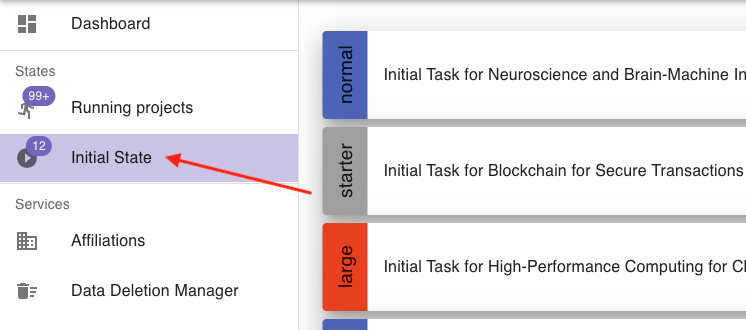
You will see a list of all available tasks for projects, that are currently in this state.
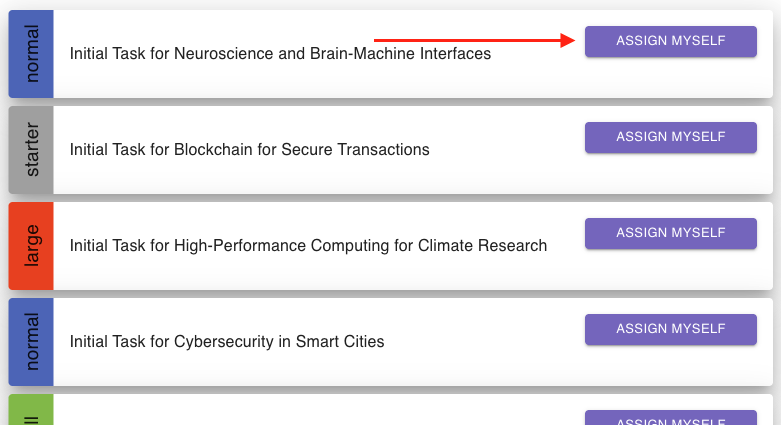
Now, you have to assign yourself the task. This prevents multiple people from working on the same task simultaneously.
To assign yourself the task, click on assign myself:
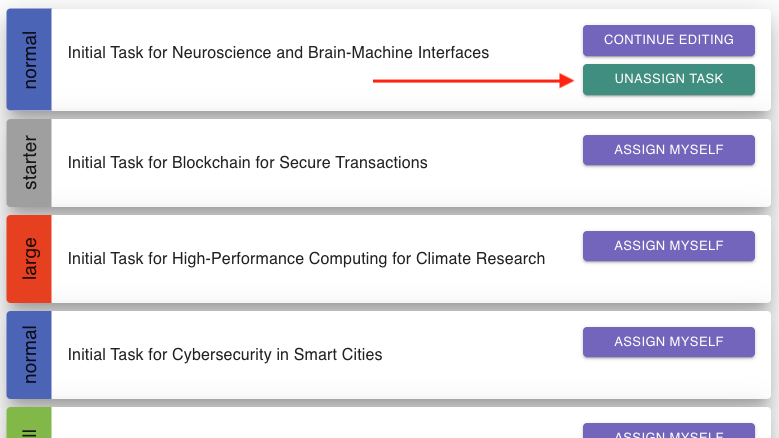
If you wish to unassign the task so that someone else can work on it, click on unassign task:
When you are ready to work on the task, enter it by clicking on continue editing:
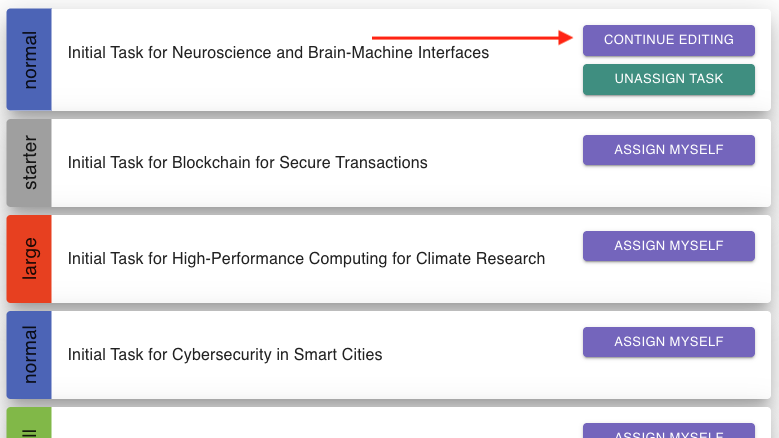
The task form will open, and you can start working on it.
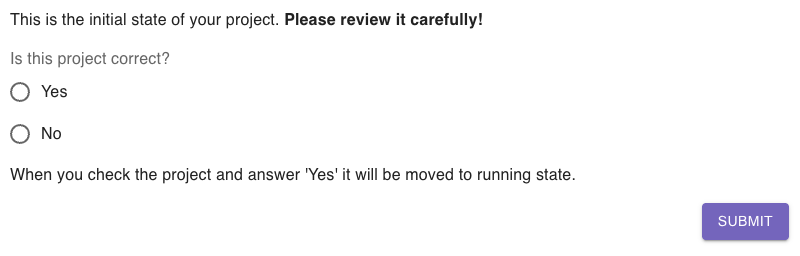
When you finished working on it and want to send your input, click on submit.