Home & navigation
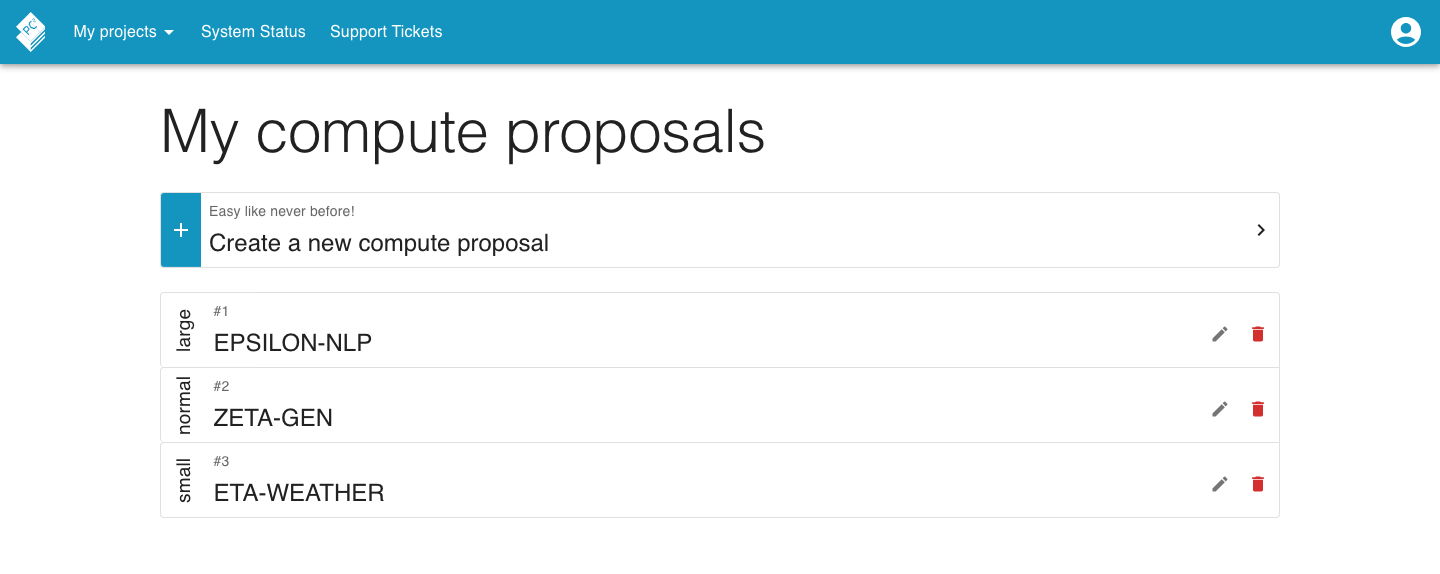
After you sign in, Andromeda opens the Compute proposals page, Andromeda does not have a separate dashboard. From the navigation bar, you can open the other available features. The page shown below, with the status bar, the PC2 Proposal System title and the login form is only shown before you sign in.
Navigation bar
Section titled “Navigation bar”The navigation bar at the top of every page contains the modules the center has enabled. Items can be grouped: a top-level entry expands its children when you hover or tap it. With the standard set of modules you get a My projects group (containing My projects and Proposals) and a System Status entry.
Your profile is not part of the navigation bar, you reach it from the user account menu (the account icon on the right of the navigation bar), which also holds the logout option.

Status bar
Section titled “Status bar”Before you sign in, the landing page shows a status bar with the current state of the center’s services. Click it to open the System status page for details.

Logging out
Section titled “Logging out”The logout option is available from the user menu in the navbar.