My projects
The My projects module lists every project you are currently associated with, as principal investigator, person of contact, or member.
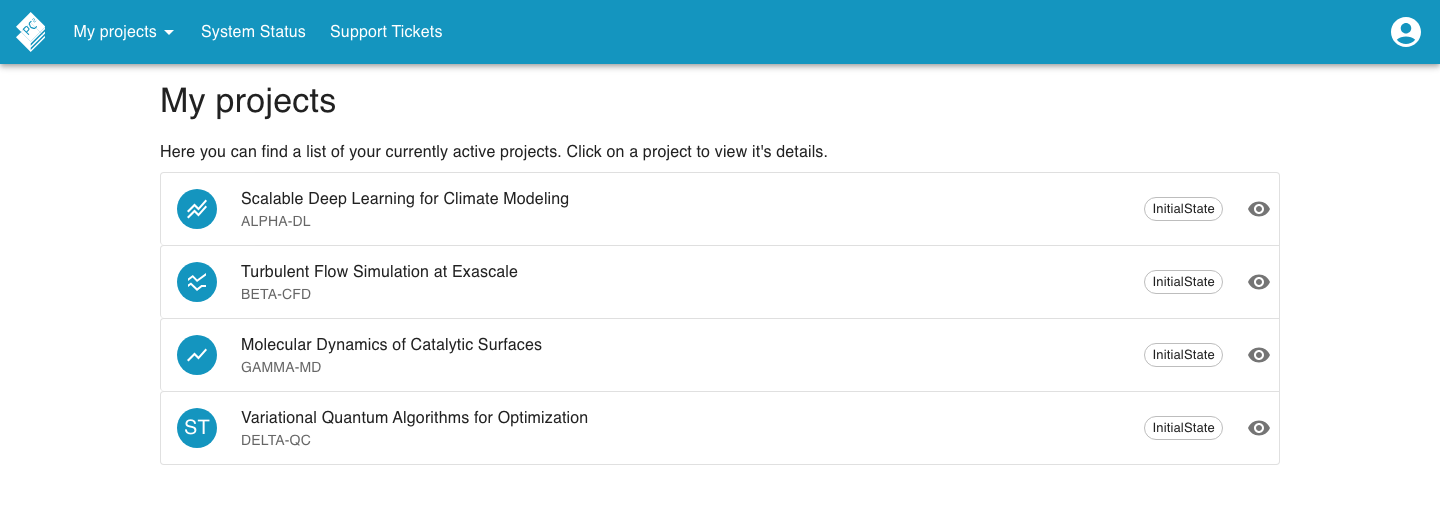
Each entry shows a project-type icon, the project’s title and abbreviation, and one or more states. Click an entry to open its detail view.
Information & Description tab
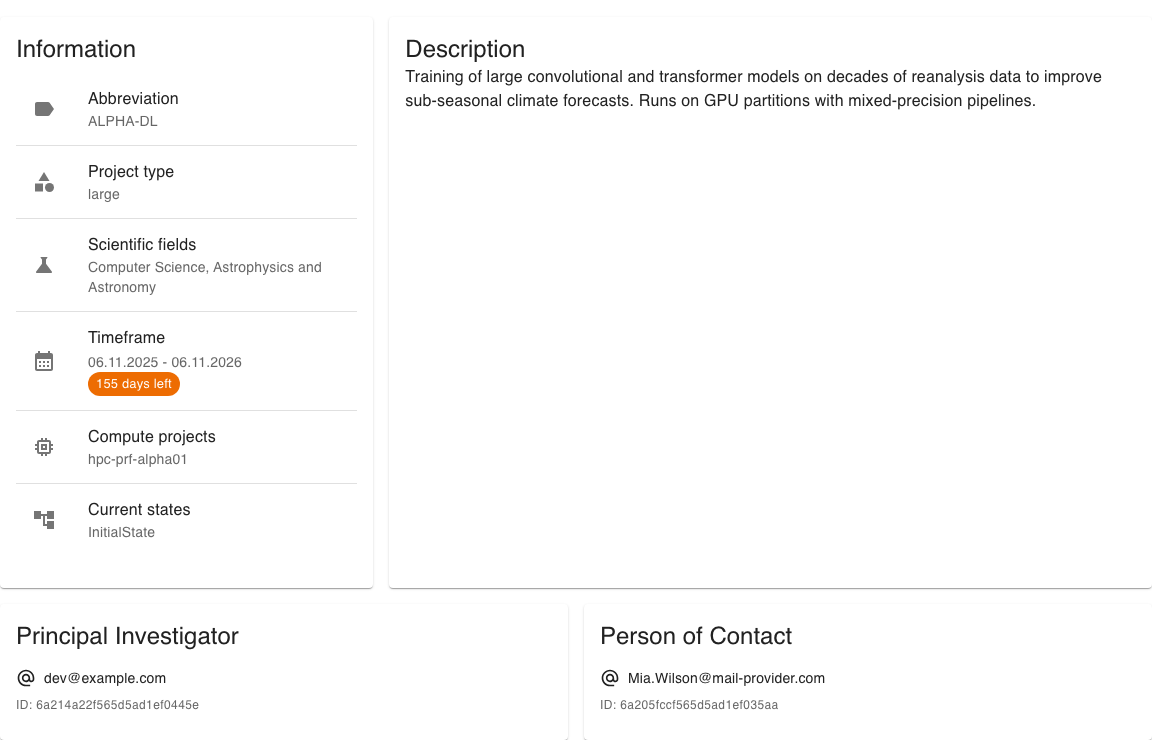
Section titled “Information & Description tab”If the project has compute projects attached, the first compute project tab opens by default; otherwise the Information & Description tab is shown. It shows the project’s details (abbreviation, project type, scientific fields, timeframe, the compute projects attached, and the current states), a free-text description, and separate boxes for the principal investigator and the person of contact (each with their email and ID).
Compute project tabs
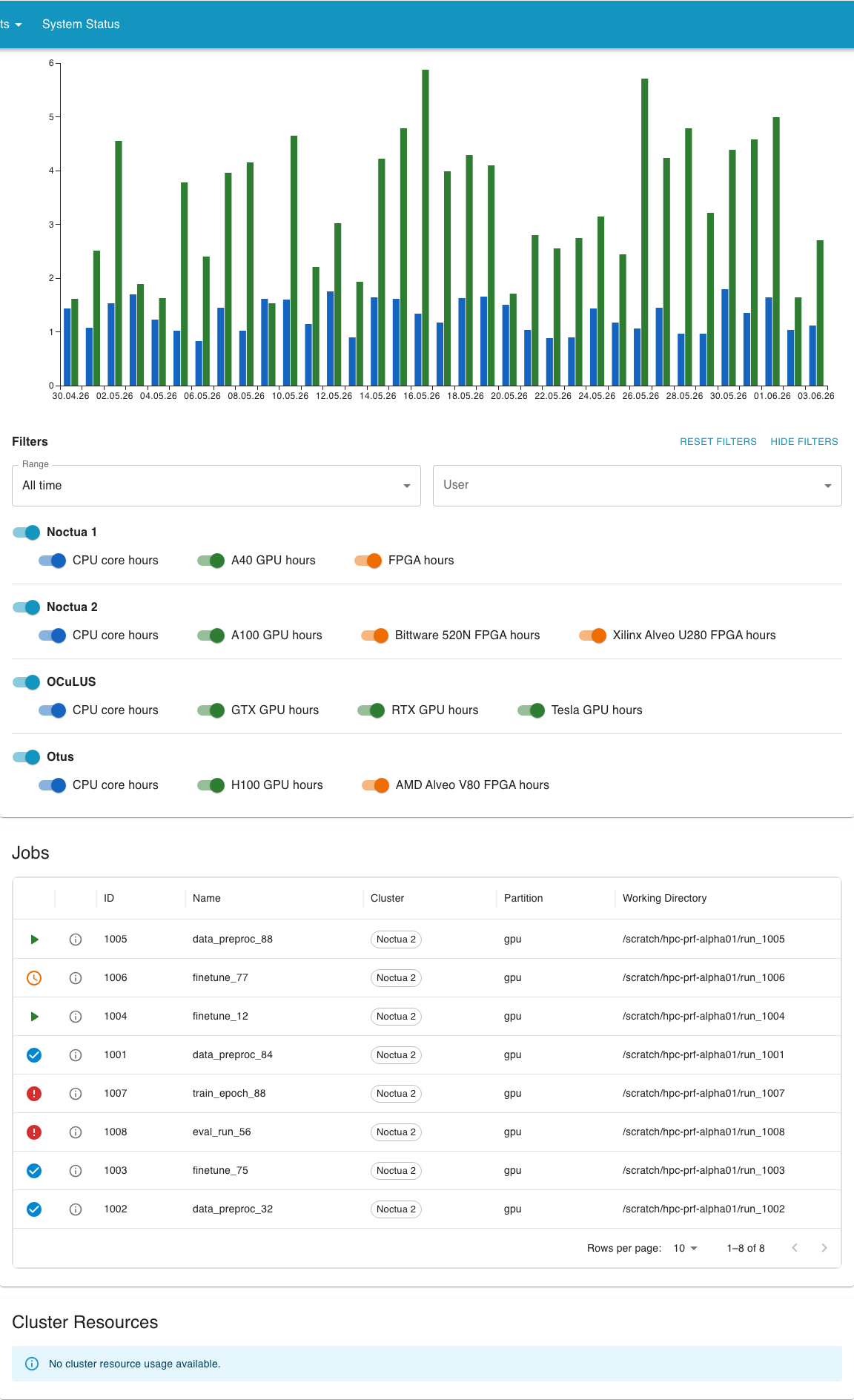
Section titled “Compute project tabs”For every compute project attached to the project there is a dedicated tab, labelled with the compute project’s ID. Each tab stacks three sections on top of each other:
- Resource Usage per Day: how much of the granted compute time you have already consumed. See Usage chart for the filter options.
- Jobs: every recent job that ran under the compute project. See Jobs for the detail view.
- Cluster Resources: the clusters the project may use, the granted amounts per resource, and the project’s resource priority on each cluster.