My profile
The Profile page is where you keep your personal data up to date. Most fields are used by the HPC center to identify you and to associate you with the correct organization, so it is worth keeping them accurate.
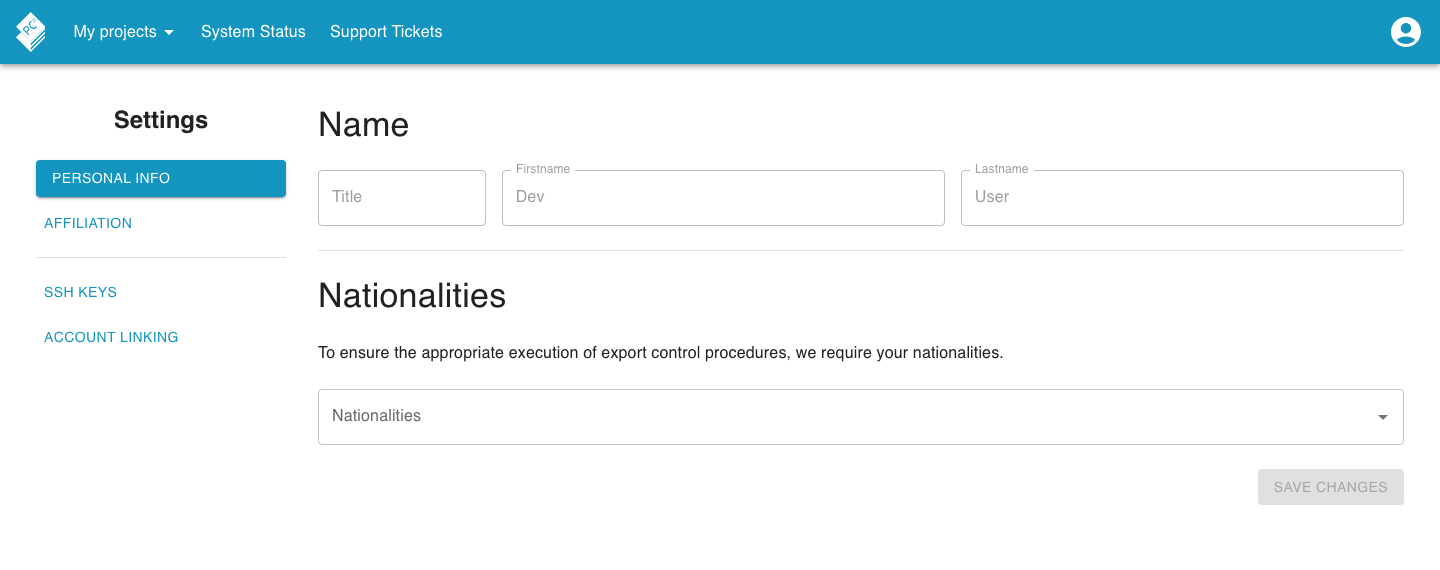
Your name is displayed here as recorded in the system. It is read-only and cannot be changed from within Andromeda.

Affiliation
Section titled “Affiliation”Your affiliation links you to an organization (for example a university), an institute within that organization, and the country and federal state the institute resides in.
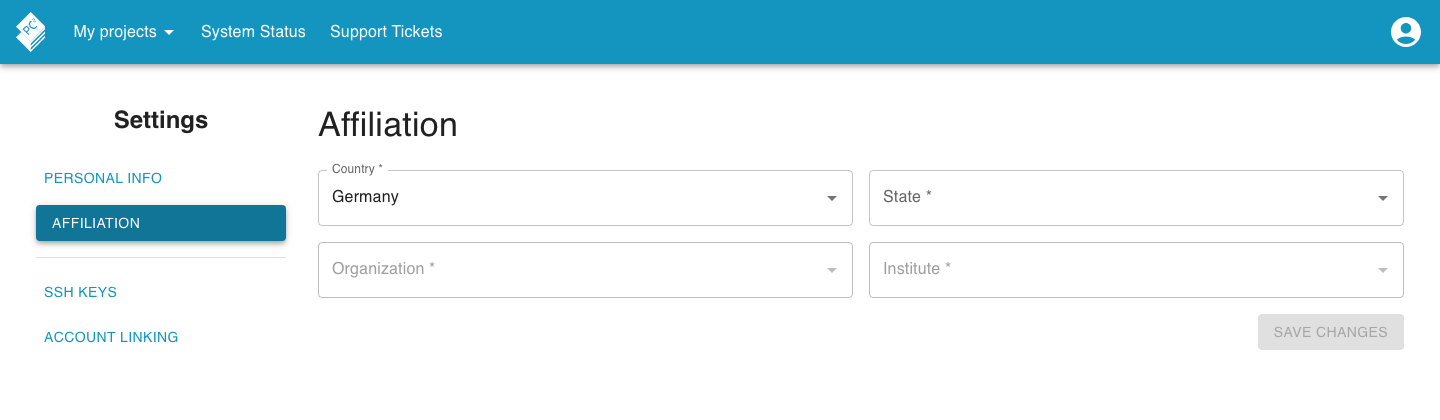
Pick your country first; the available options for state, organization, and institute narrow down accordingly.
Nationalities
Section titled “Nationalities”Some HPC centers need to know your nationality for export-control reasons. Add one or more nationalities here.

SSH keys
Section titled “SSH keys”SSH keys are used to access the center’s clusters. The SSH public keys section lists every key you have registered.
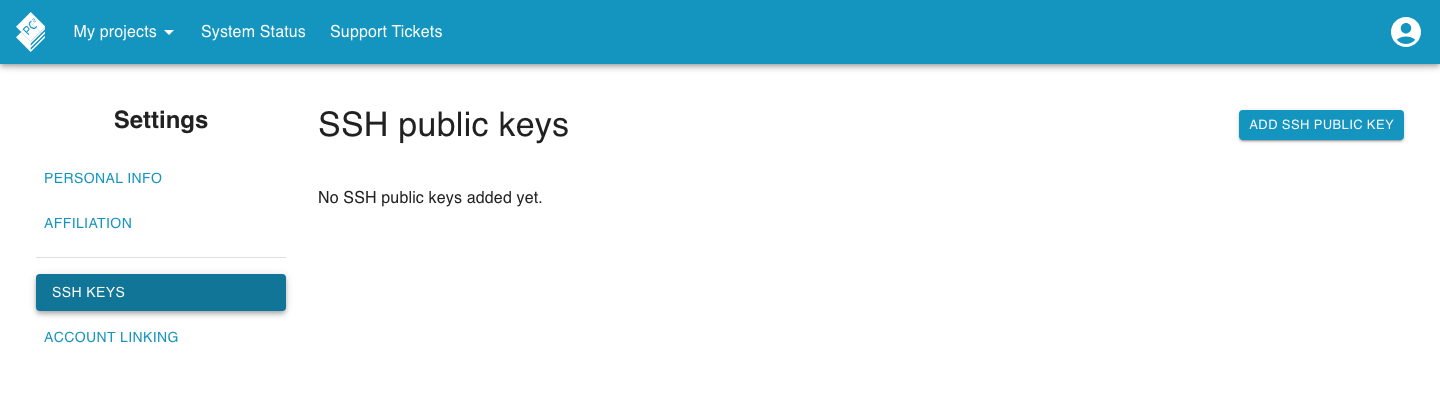
To add a key, click Add SSH public key, then give the
key a Title and paste the public key into the dialog. To remove a key, click
the delete icon next to it and confirm in the dialog that appears.
Linked accounts
Section titled “Linked accounts”If the center supports multiple identity providers, you can link them to a single PERSEUS profile so that logging in via either provider takes you to the same account.
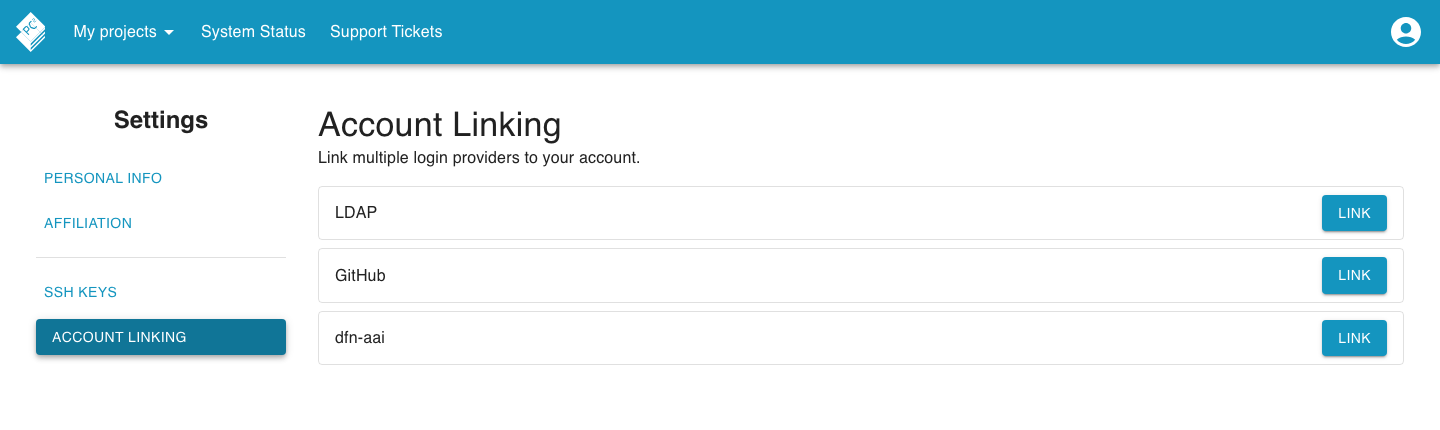
Each available provider has its own box showing whether it is currently linked. Use the button in the box to link or unlink the provider; you will be forwarded to the provider once to complete the linking.