Restricted functionality
This functionality can only be accessed when having one of the following
roles:
- OWNER
Restricted functionality
The Andromeda module manager lets you enable or disable individual Andromeda modules and edit their configuration directly in PERSEUS.
The page shows a table with one row per module. Each row contains:
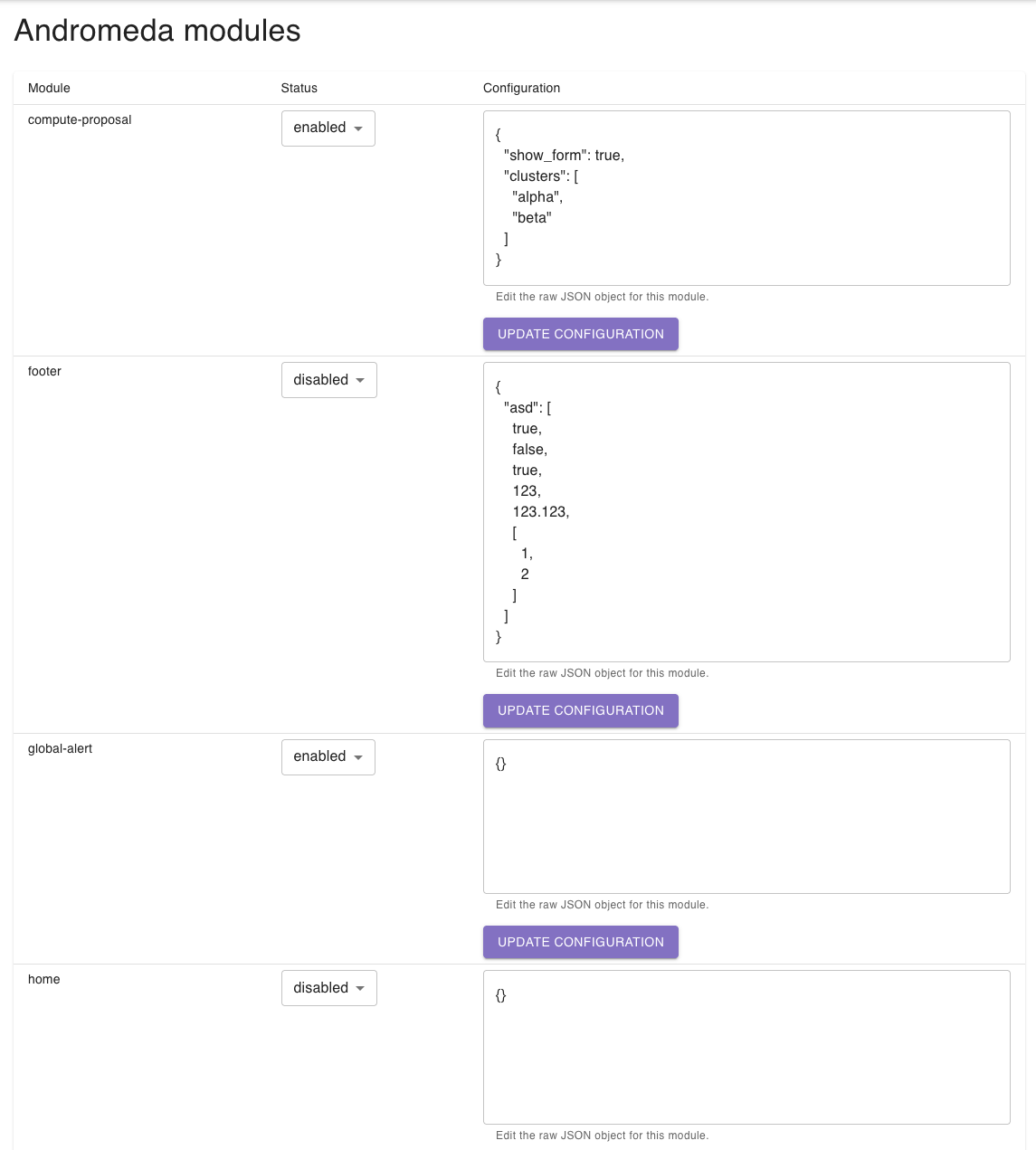
The following modules are available:
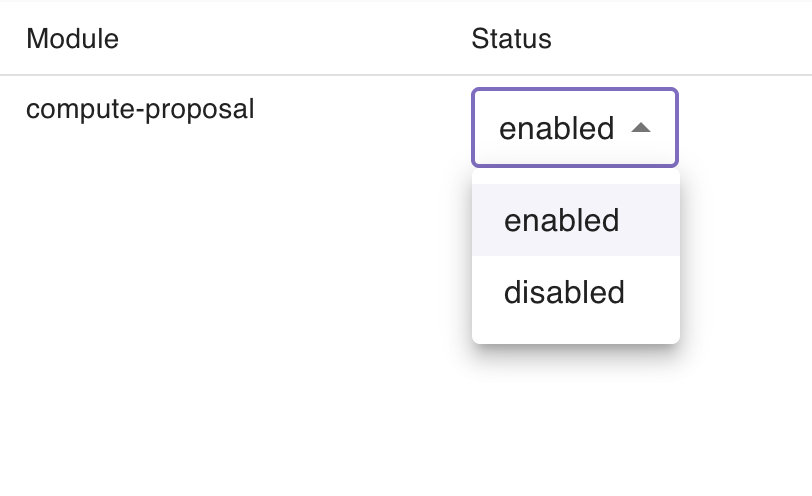
compute-proposalfooterglobal-alerthomeloginlogoutmy-projectsnavbarprofilestatus-barsystem-statussupportTo change a module’s status, select enabled or disabled from the dropdown in the Status column. The change is sent to the server immediately — no additional confirmation step is required.
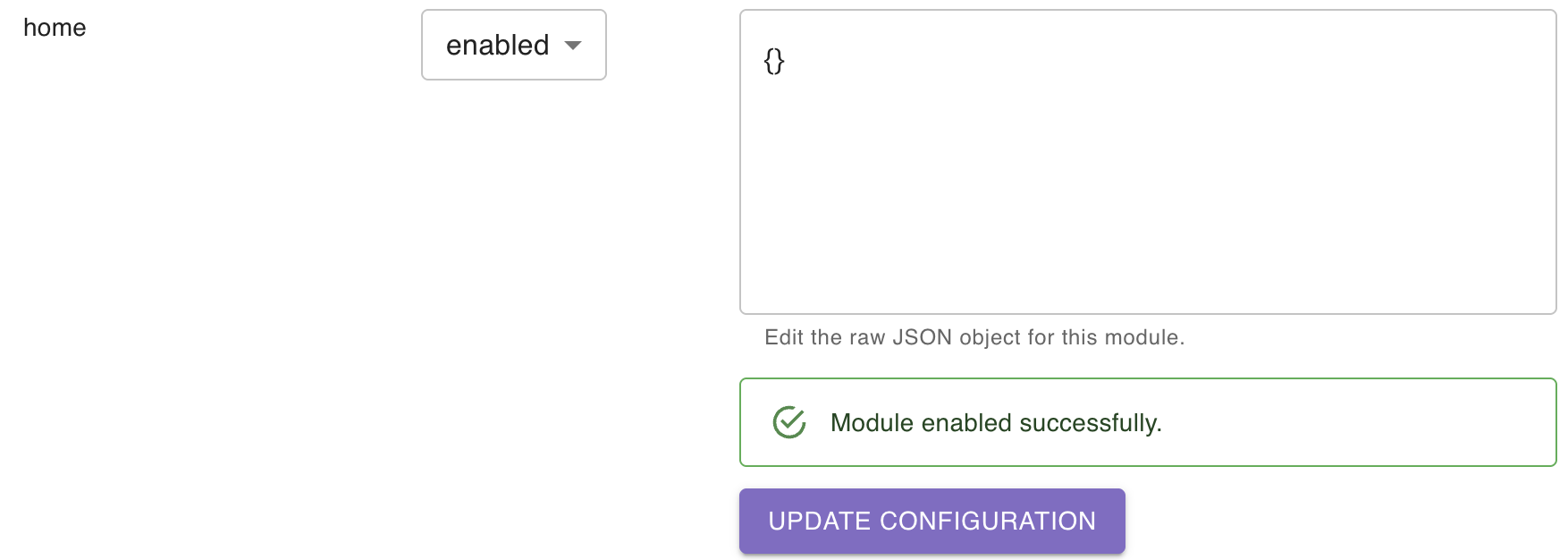
If enabling succeeds and the module had no existing configuration, an empty JSON object ({}) is set as its default configuration. Disabling a module does not delete its stored configuration.
Each module row contains a multi-line text field displaying the module’s current configuration as a JSON object. You can edit it directly.
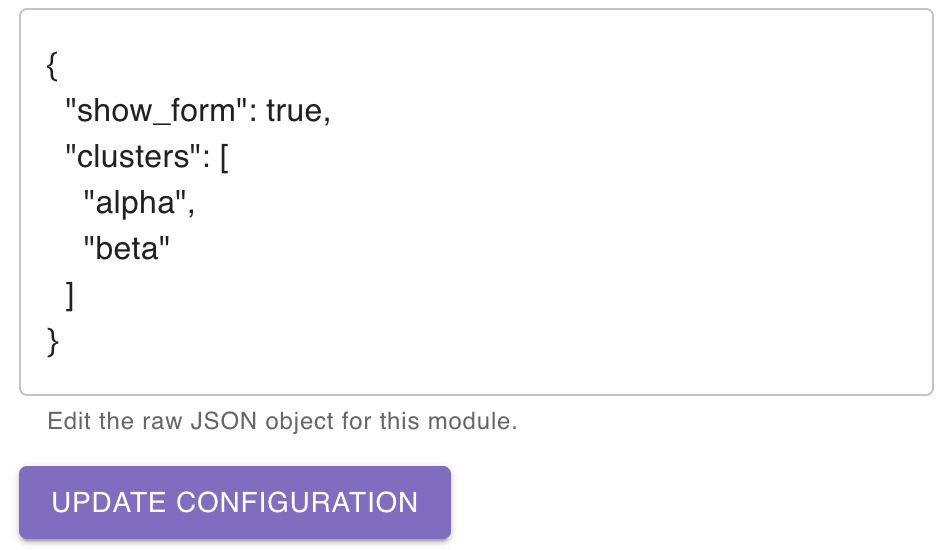
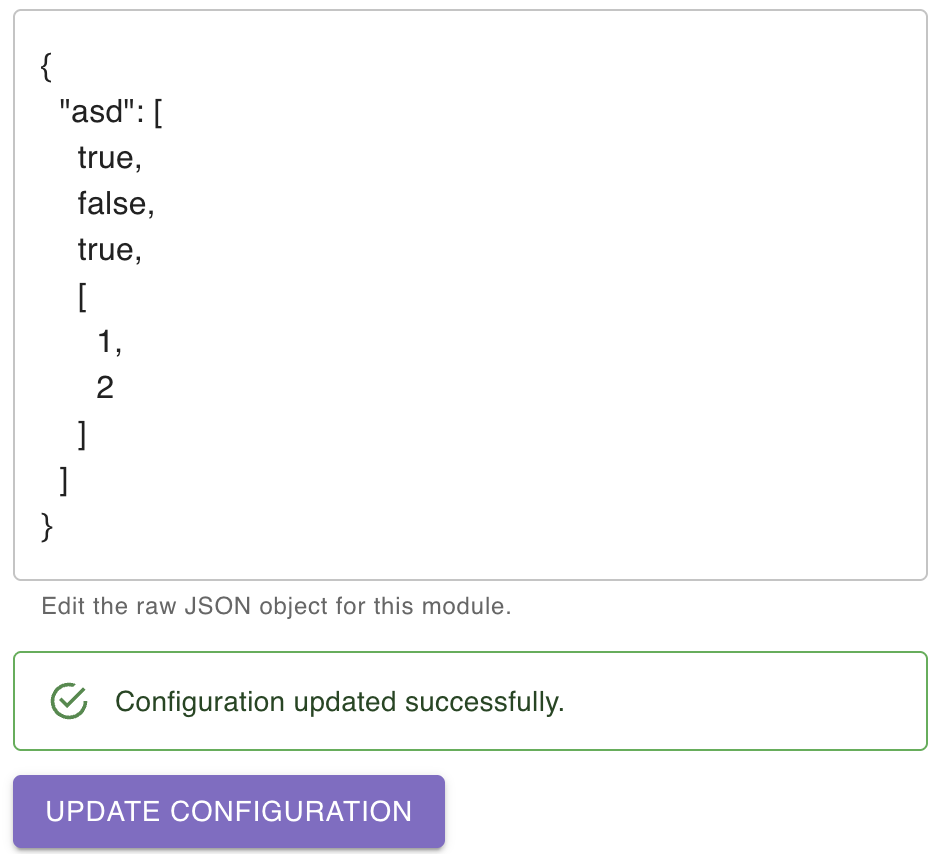
To save your changes, click Update configuration below the text field.
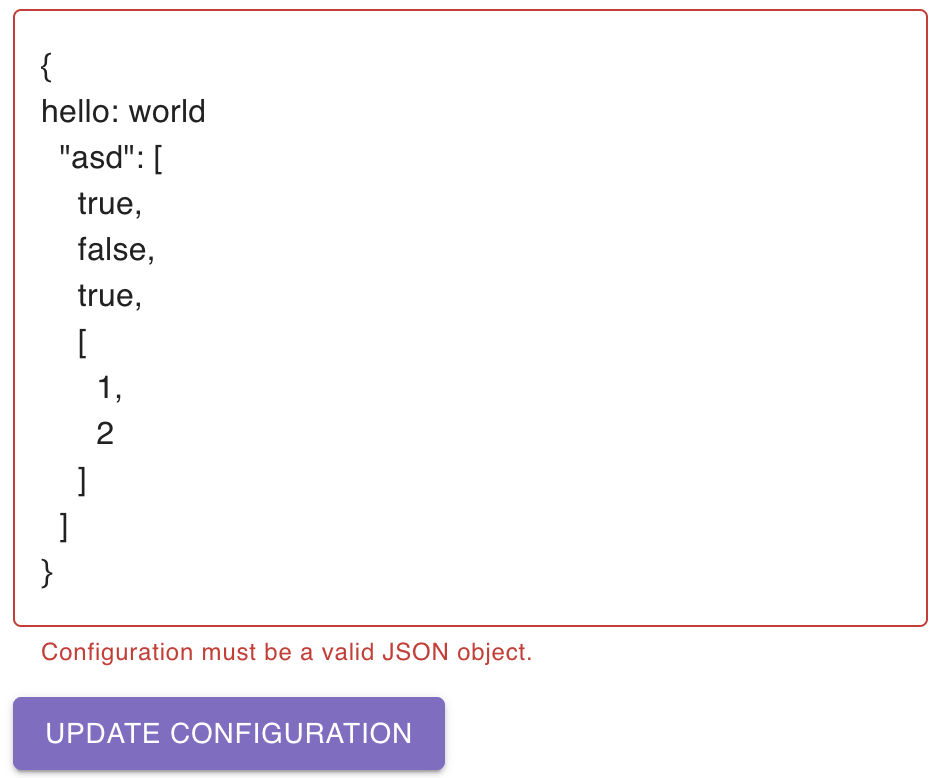
Before the request is sent, the editor validates that the content is a valid JSON object. Arrays and primitive values are not accepted — the top-level value must be a JSON object (e.g. {}).
If the input is not a valid JSON object, an error message is shown below the text field and no request is made.
A loading spinner appears next to the button while the request is in progress. All controls in that row are disabled until the request completes.